


Popular Salesforce Blogs

An Introduction to Salesforce Force.com Migration Tool (ANT)
Let’s understand Metadata as: Data which give information about other Data. Metadata sums up essential data about information, making discovering, and working with specific examples…


Integrate Salesforce with Telegram using Webhook
In this article, we will discuss how to integrate Telegram with Salesforce using webhook and public site, and also facilitate the process of communication with…


Advice on Launching a Lucrative Career as a Salesforce Consultant
What is a Salesforce Consultant? When adopting Salesforce within an organization, Salesforce consultants are necessary. They support Salesforce project design, planning, and implementation. A thorough…

Popular Salesforce Videos
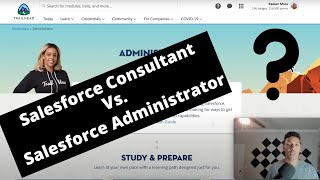
Salesforce Consultant or Salesforce Admin First? | Which is Better?
In this video, Kaelan Moss - Minute Admin briefs us on whether it's better to be a Salesforce admin or consultant first. Watch the video…


Can I Get a Job by Just Learning Salesforce Admin?
In this Video Shrey covered the following questions: 1. Can I get a job by just learning Salesforce Admin? 2. Can you start a career…

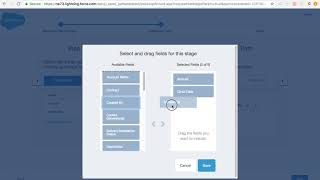
How to Configure Lightning Sales Path Salesforce
In this video, Pratima provides a detailed demo on how to configure the Lightning Sales Path, the Lead path for Standard and custom objects, the…