
-
How do I enable enhanced lookup in Salesforce?
How do I enable enhanced lookup in Salesforce?

Log In to reply.

Popular Salesforce Blogs

A Guide to Customizing Your Salesforce Data Classification Settings
Your Salesforce Org stores a lot of sensitive information — and to help you properly protect it, the platform introduced a built-in data classification tool…


Salesforce vs ERP: Understanding the Key Differences
It's very common to encounter misconceptions about Salesforce being just another ERP system. However, understanding the distinct functionalities and capabilities of Salesforce compared to traditional…


How to Choose The Best Healthcare CRM?
With the rise of consumerism, there is a competitive increase in the healthcare market. Patients have a lot of choices when it comes to picking…

Popular Salesforce Videos
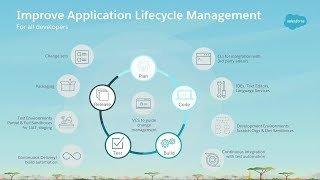
Build Lightning Components with Salesforce DX
Learn how to get started with building Lightning Components, the Salesforce DX way. We'll leverage Base Components, Lightning Data Service, Salesforce CLI, Scratch Orgs, Salesforce…


Deploy Lightning Web Component Files | Salesforce Lightning Tutorial
Learning Objectives After watching this video, you’ll be able to: Configure Lightning web component files for display in an org. Deploy your files to an…


Topics to Master to Crack Your Salesforce Administrator Certification Exam
If you're preparing for your Salesforce Administrator Certification and wondering there's a lot that you need to cover from the study material provided by Salesforce.…
