
-
Explain Multi Dimensional Quoting (Price Dimension) in Salesforce CPQ
Explain Multi Dimensional Quoting (Price Dimension) in Salesforce CPQ.


Log In to reply.

Popular Salesforce Blogs

Facilitate Effective Customer Support With E2CA | Salesforce
An exceptional customer experience is crucial to the success of any business as it fosters loyalty, brand advocacy, and helps you increase your customer base.…


Learn All About The Features of Newly Launched Salesforce Lightning Platform
A Brief of Salesforce Lightning As per the announcement done by Salesforce in its Winter 17 release, Salesforce Lightning is the future CRM of Salesforce,…


4 Customer Centric Approaches for Small and Medium Sized Businesses | Salesforce
Good businesses think of customer satisfaction but great businesses think of customer delight. The customer experience (CX) is one of the key differentiators for any…

Popular Salesforce Videos
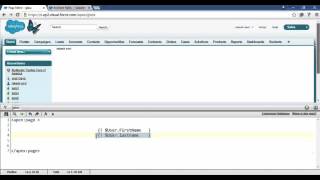
Displaying Field Values with Visualforce | Salesforce Video Tutorial
In this video, Rakesh Soni shows us how to display Field Values with Visualforce. This is a great video for anyone who wants to learn…

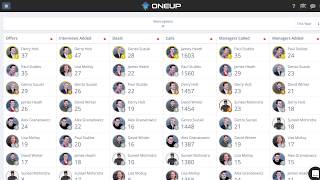
How to use Salesforce Data to drive producivity and greater data capture
How do you encourage and drive better quality data entry into Salesforce by Salespeople? How do you use that data to drive productivity and proactive…


Keep Salesforce Field Values Clean in Summer 20 in less than 10 minutes - Salesforce Break
Keep Salesforce Mobile Phone field clean by stripping out the ()- characters from the user entry. Ensuring data quality is a challenge for every Salesforce…
