
-
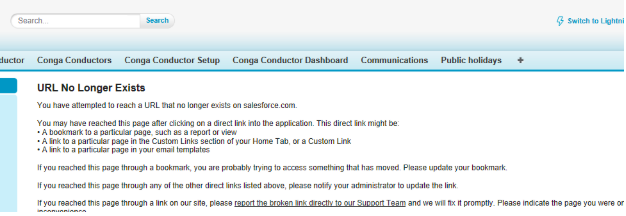
Case Management App update from AppExchange is not working, says - URL No Longer Exists
I have attempted to update the app, but am experiencing the following issue when attempting to login to the AppExchange:


Log In to reply.

Popular Salesforce Blogs

How I Landed Into My First Job In The Salesforce Technology
In this blog, I am going to share about my journey, how I landed my first job in Salesforce technology. To give an overview of…


Benefits of Salesforce Native Applications for The Growth of Businesses
Salesforce has emerged as a key player, providing a versatile platform for organizations to manage their customer relationships, streamline processes, and drive growth. One of the…


How Can Small Businesses Grow Faster With Salesforce Essentials?
Running a small business is not everyone’s cup of tea, if you are a small business owner you are bound to face challenges. As small…

Popular Salesforce Videos

Work Your Opportunities and Manage Your Pipeline (Lightning Experience) | Salesforce
In this video, Salesforce Support demonstrates how to work with deals and manage your pipeline in the Salesforce Lightning Experience. With interactive features that help…


Prepare for Your Salesforce Pardot Implementation
If you're preparing for your Pardot implementation, you've come to the right place! Pardot implementation is a complex, multi-step process. In this video, we will…


Understanding Traditional AI vs. Generative AI | Explained Simply
Ever wondered how computers can be taught to think? Or how they create art, music, and stories on their own? If you're curious about these…
