
-
Can we change the length of 'Opportunity Name' field in salesforce ?
Can we change the length of 'Opportunity Name' field in salesforce ?


Log In to reply.

Popular Salesforce Blogs

How to connect multiple accounts to single contact in Salesforce?
Setups to connect contacts to multiple accounts is quite easy and quick. Following are the steps to be followed: Go to Setup, enter Account Settings…


Salesforce Ecosystem, A Successful Philosophy
Since its inception, Salesforce has built its own success on the success of its customers. To ensure this, over the years, it has developed a…


Popular Salesforce Videos

Top 5 Benefits of Salesforce Financial Service Cloud
Built on the Salesforce Customer Success Platform, Financial Services Cloud includes an enhanced set of features created specifically for client engagement and designed with the…


Salesforce QA Interview Guidance Program
Do you want to learn what it takes to clear a Salesforce QA interview? In this video, Bava Dharani Ganesan gives a detailed explanation of…

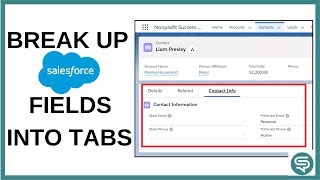
Break up Salesforce Record Detail into Tabs | Salesforce Lightning Page Layouts
In this video, Signiforce briefs about how to create an Action with a subset of fields from your object and then add this action to…
