
-
Data Export using DataLoader causes data to be on New Line when we open CSV file in Excel. How can we override this in Salesforce?
After Data Export using DataLoader, Some time it appears that data is on New Line (Carriage Return) when we open CSV file in Microsoft Excel. For example, Address Data separated on different lines. How can we override this problem ?

Log In to reply.

Popular Salesforce Blogs
7 Different Types of Object Relations in Salesforce
Understanding Data Relationships between objects in Salesforce can be challenging. There can be a situation in a company where you have to create a bespoke…


Tableau Now Powers Salesforce Genie Customer Data Cloud
Salesforce Genie Customer Data Cloud is a powerful platform that helps businesses unlock the value of their customer data. Now powered by Tableau, Salesforce Genie…


How does the Salesforce IoT Cloud system build End-to-End Customer Experience?
An effective Salesforce development company provide specialized enterprise app development and maintenance and of course offers implementation and customization services. When looking for Salesforce vendors,…

Popular Salesforce Videos
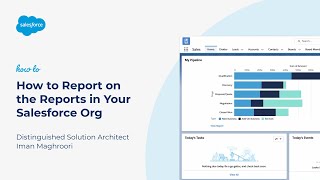
How to Report on the Reports in Your Salesforce Org
Do you want a list of all the reports in your Salesforce org? Would you like to see a list of reports and the last…

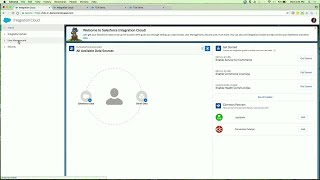
Salesforce Integration Cloud - Connect Devices, Data and Customers
Salesforce Integration Cloud incorporates an arrangement of services and tools that make it simple for clients to surface their information paying little attention to where…

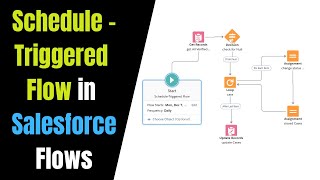
Schedule-Triggered Flow to Update Cases at the End of the Day | Schedule a Flow in Salesforce
A schedule-triggered flow starts at the specified time and frequency for a batch of records. Configure the schedule trigger in the Start element of your…
