

How To Use jQuery DataTable Plugin In Salesforce Lightning Component?

DataTables:
"DataTables is a plug-in for the jQuery Javascript library. It is a highly flexible tool, build upon the foundations of progressive enhancement, that adds all of these advanced features to any HTML table."
 Don’t forget to check out: Salesforce Visualforce Vs Salesforce Lightning Component
Here is some enhancement provide by DataTable Plugin to an HTML table:
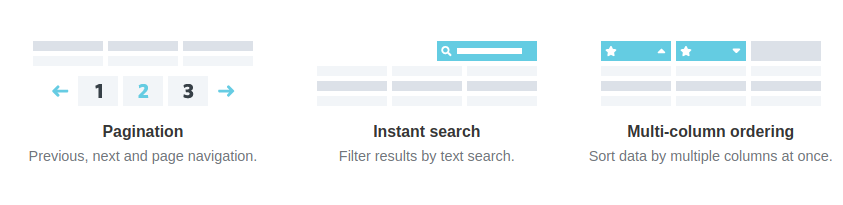
Follow the steps to use jQuery Datatable In your Salesforce Lightning Component :
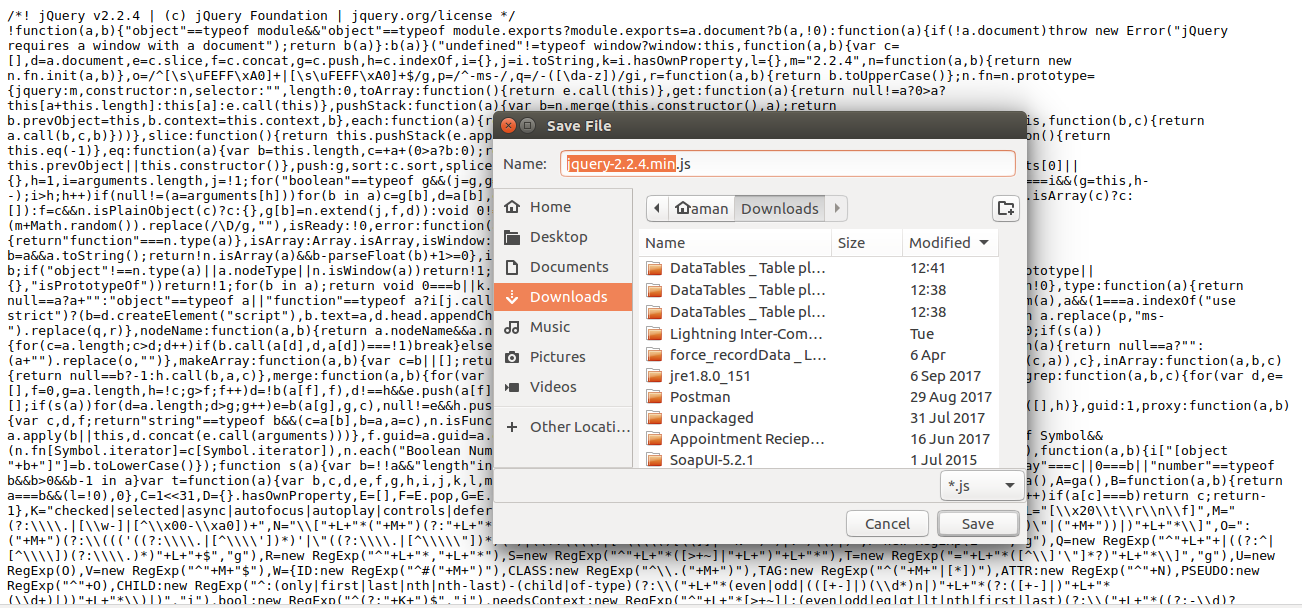
- Download jQuery library from the link below https://code.jquery.com/jquery-2.2.4.min.js
To Download jQuery library go to the link and right-click on the page and click save.
- Download jQuery Datatable Plug-in from the link below https://datatables.net/releases/DataTables-1.10.16.zip
- Add 'jQuery' library and 'jQuery Datatable Plug-in' as a static resource in your Salesforce Org.
Steps to add the file as a static resource - Create a Lightning component.
- A snippet of code for your Lightning component-
- A snippet of code for your Lightning component-
<aura:component controller="JqueryDataTableDemo">

    <!--use JQuery Data Table css,Js and jQUERY js file in lightning component by using ltng:require component-->
    <ltng:require styles="/resource/datatable/DataTables-1.10.16/media/css/jquery.Datatable.min.css" scripts='/resource/jquery,/resource/Datatable/DataTables-1.10.16/media/js/jquery.dataTables.min.js' afterScriptsLoaded="{!c.scriptsLoaded}"/>

    <aura:handler name="init" value="{!this}" action="{!c.doInit}"/>

    <aura:attribute name="listOfAccounts" type="Account[]"/>

    <div class="slds-m-around_medium">
        <table id="tableId" class="slds-table slds-table_bordered slds-table_cell-buffer" cellspacing="0" width="100%">
            <thead>
                <tr>
                    <th>Name</th>
                    <th>AccountNumber</th>
                    <th>Phone</th>
                    <th>Billing Address Country</th>
                    <th>Description</th>
                </tr>
            </thead>
            <tbody>
                <aura:iteration items="{!v.listOfAccounts}" var="acc">
                    <tr>
                        <td>{!acc.Name}</td>
                        <td>{!acc.AccountNumber}</td>
                        <td>{!acc.Phone}</td>
                        <td>{!acc.BillingAddress.country}</td>
                        <td>{!acc.Description}</td>
                    </tr>
                </aura:iteration>
            </tbody>
        </table>
    </div>
</aura:component>
-
- A snippet of code for your JavaScript Controller -
- A snippet of code for your JavaScript Controller -
({
    scriptsLoaded : function(component, event, helper) {
        console.log('Script loaded..');
    },

    doInit : function(component,event,helper){
        //call apex class method
        var action = component.get('c.getAccountList');
        action.setCallback(this, function(response) {
            //store state of response
            var state = response.getState();
            if (state === "SUCCESS") {
                //set response value in lstOpp attribute on component.
                component.set('v.listOfAccounts', response.getReturnValue());

                // when response successfully return from server then apply jQuery dataTable after 500 milisecond
                setTimeout(function(){
                    $('#tableId').DataTable();
                    // add lightning class to search filter field with some bottom margin..
                    $('div.dataTables_filter input').addClass('slds-input');
                    $('div.dataTables_filter input').css("marginBottom", "10px");
                }, 500);
            }
        });
        $A.enqueueAction(action);
    },
})
-
- A snippet of code for your Apex Controller -
- A snippet of code for your Apex Controller -
public class JqueryDataTableDemo {
@AuraEnabled
   public static list <Account> getAccountList() {
      Return [SELECT Name,AccountNumber,Phone,BillingAddress,Description FROM Account LIMIT 500];
    }
}
-
- A snippet of code for your Lightning Application -
- A snippet of code for your Lightning Application -
<aura:application extends="force:slds">
    <c:JqueryDataTableDemoComponent />
</aura:application>
Here is a video that shows how data table work on lightning component UI:-




