


Popular Salesforce Blogs

Omni-channel setup in quick 15 minutes…
Omni-Channel enables your contact center to push work to the most qualified, available support agent in your organization in real time. Omni-Channel lets you create work…


Scan Business cards to Outlook in seconds
Ever juggled with the misery of collecting business cards & typing them into your Outlook account? Look no further, with Bric APP business card scanner you can scan…


How Sales Cloud Helps Companies Reduce Long Sales Cycles
In today’s competitive market, reducing the length of the sales cycle has become a key driver of revenue growth. According to CSO Insights’ 2023 Sales…

Popular Salesforce Videos

Famous Brands With Their Applications Listed On Salesforce AppExchange
Selling your app on AppExchange can dramatically increase your business revenue. Various renowned brands have already harnessed the potential of this marketplace to broaden their…


How to Automate Business Processes in Salesforce CRM | Salesforce Flow Explained
Want to streamline your business processes without diving into complex coding? In this video, Kirill, an AQA engineer and certified Process Automation Professional at ENWAY,…

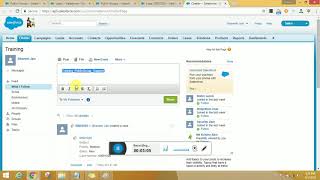
Salesforce Public Groups and Queues
In this video, Bhavesh Jain demonstrates how to create Salesforce public groups and how they can be used, as well as provides an understanding of…
